Code with syntax colors
Copied code is detected and highlighted — Swift, Python, SQL and 180 more languages.
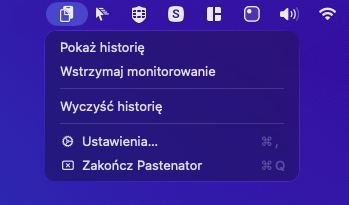
Native menu bar app for macOS
Syntax highlighting for copied code. Text pulled out of screenshots. JSON, Base64 and JWT decoded without a website. ⌘⇧V from any app — everything stays on your Mac.
Native Swift app. No Electron. Lives quietly in the menu bar.
Copied code is detected and highlighted — Swift, Python, SQL and 180 more languages.
Vision OCR reads every screenshot. The text becomes searchable and pasteable.
Format JSON, decode Base64, URLs and JWTs — expiry too. Computed locally, never sent to a website.
Queue items with ⌘⇧C. A floating window shows what's now and next; paste in order with ⌘V.
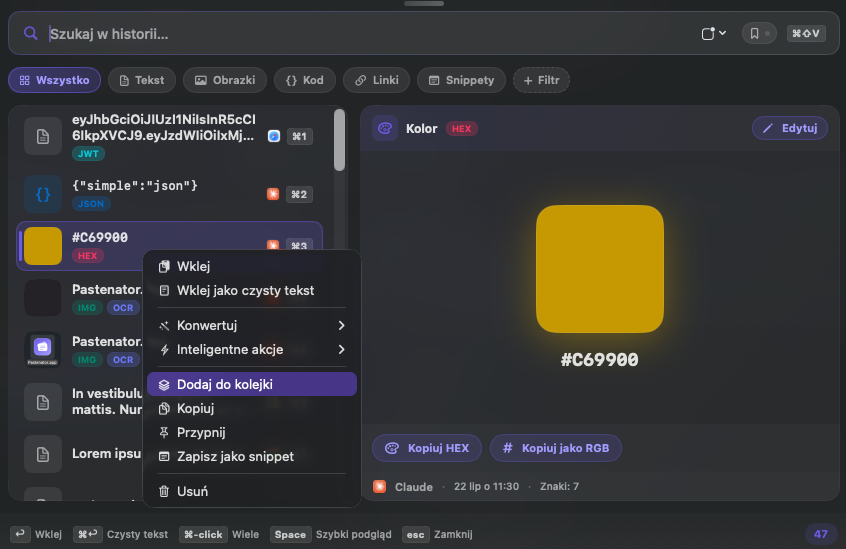
Emails, phones, dates and HEX colors get tagged — with one-click actions like Copy as RGB.
Your own rules — extension, app, content, language — and history sorts itself into tabs.
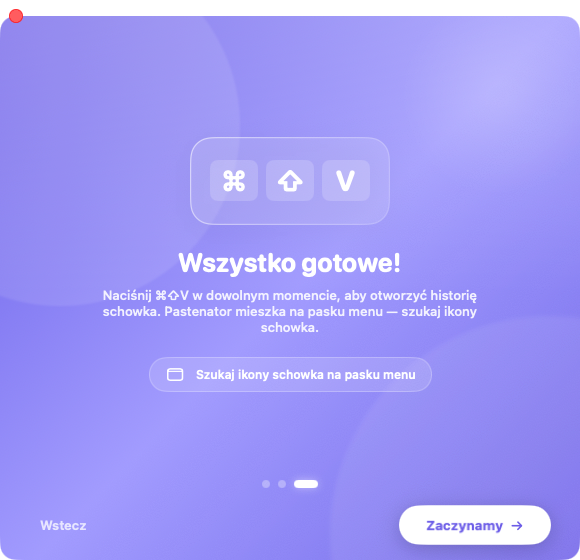
⌘⇧V opens a floating panel from any app. Search, filter, paste with Return.
Saved phrases, case and JSON transforms, plain-text paste, and a rendered Markdown preview.
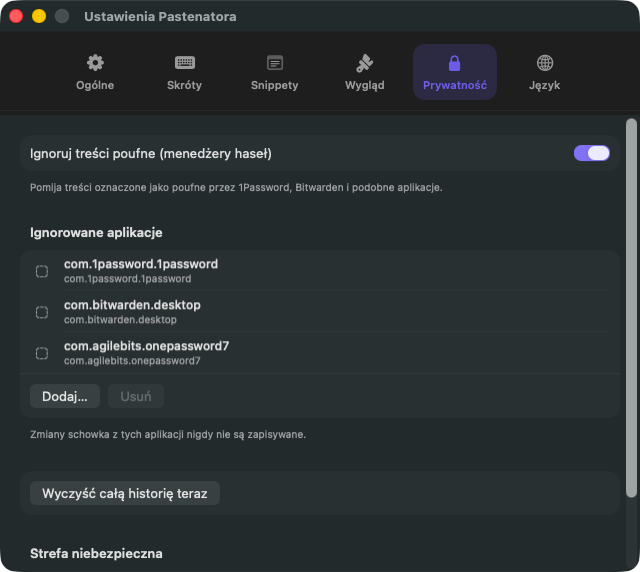
API keys and secrets stay out of history, password managers are ignored, nothing leaves your Mac. No account, no cloud, no telemetry.
Copy as usual. Pastenator does the rest.
Text, rich content, images, files, links — captured automatically in the background.
The history panel appears. Search, filter by type, or pick with arrow keys.
Return pastes into the app you were using. Esc closes the panel. Hands stay on the keyboard.
Menu bar agent, privacy defaults, one shortcut to learn. The history panel is what you open every day — see the hero above.
Nothing below needs marketing math.
The DMG is small. Universal binary: Apple Silicon and Intel in one file.
SwiftUI + AppKit where it matters. Fast launch, low memory, no web runtime.
History stays on your Mac. No account, no sync tax, no analytics SDK.
From the same author as emde — Markdown preview in the panel, open in emde when you need the full editor.
Version 1.0 · Universal DMG (arm64 + x86_64). Drag to Applications and go.
Download Pastenator.dmgmacOS 14+ · 3.7 MB · Free early access
Accessibility permission required for auto-paste into other apps.
Yes during early access. A simple one-time license may come later. No subscriptions planned.
macOS 14 Sonoma or later. The downloadable Pastenator.dmg is a universal app (Apple Silicon and Intel). Accessibility access is needed for automatic paste into other apps.
Early builds may not be notarized yet, so Gatekeeper can warn once. That is expected until Apple Developer Program signing is in place.
No. Concealed pasteboard types from 1Password, Bitwarden and similar tools are ignored by default. You can also block whole apps.
English and Polish, with live switch in Settings. Follows system language by default.
Spotlight shows you a list. Pastenator recognises code and colours it, pulls text out of screenshots so you can search it, and sorts history into tabs by rules you define. If a plain list is enough for you, the system feature is fine — it is off by default, open Spotlight and press Tab to enable it.
Because App Review does not allow sandboxed apps to simulate ⌘V, which is exactly how automatic paste works. Shipping there would mean removing the feature the app exists for. Instead, the app is signed and notarised by Apple, so it opens with a single click.
Same author. emde is a native Markdown editor; Pastenator is clipboard history. They work well together but stay optional.
This site uses no cookies and no tracking. Only language and theme are stored locally in your browser.